The Model Context Protocol has transformed how developers and agencies manage WordPress. Instead of clicking through wp-admin or writing custom scripts, you can now execute real WordPress operations, creating posts, managing plugins, and moderating comments, through natural language conversations with AI assistants like Claude.
But choosing the right WordPress MCP server matters. Setup complexity, feature coverage, security models, and maintenance requirements vary significantly across implementations.
We’ve evaluated the best MCP server WordPress solutions available in 2026, analyzing each for real-world developer and agency use cases.
What Makes a WordPress MCP Server a Better Option
Not all WordPress MCP servers deliver equal value. The difference between a frustrating setup experience and a productive AI workflow often comes down to how well the server handles real-world developer and agency needs.
When evaluating MCP for WordPress implementations, these traits separate the exceptional from the mediocre:
- Setup Simplicity: Minutes to first command, not hours of configuration
- Tool Coverage: Comprehensive WordPress operations out of the box—content, taxonomies, media, users, plugins, themes
- Authentication Flexibility: Token-based access with role inheritance and expiration controls
- Multi-Site Support: Manage multiple WordPress installations without duplicating configurations
- Security Architecture: Scoped permissions, instant revocation, encrypted transport
- Staging Compatibility: Safe testing environments before production deployment
- Maintenance Burden: Automatic updates versus manual dependency management
Best WordPress MCP Servers: 10 Options to Explore
The WordPress MCP ecosystem has matured rapidly, with solutions ranging from fully managed platforms to specialized open-source implementations. Whether you prioritize zero-configuration setup, enterprise security, e-commerce capabilities, or maximum customization, there’s a WordPress MCP server designed for your workflow. Here are the top options for developers and agencies in 2026.
1. InstaWP WordPress MCP Server
InstaWP, the managed WordPress cloud, offers a built-in WordPress MCP Server that eliminates infrastructure complexity by building MCP directly into its managed WordPress platform.
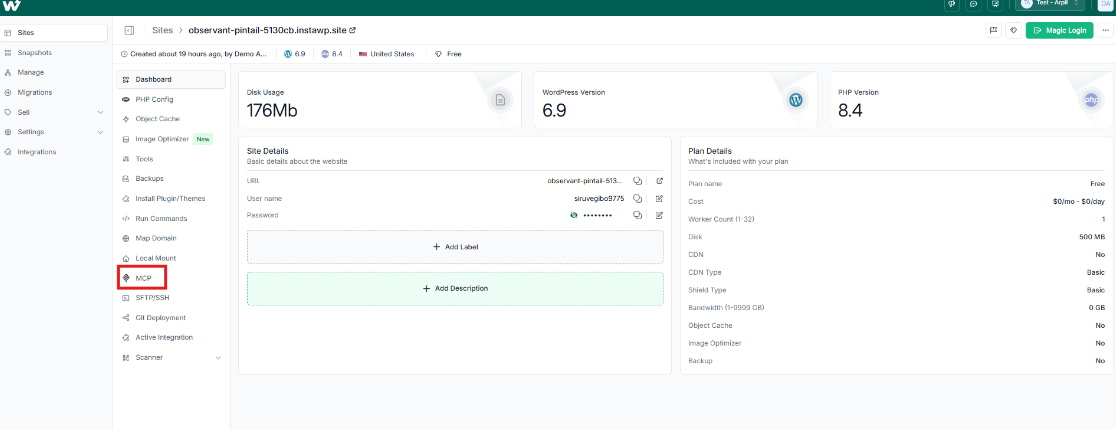
While other WordPress MCP solutions require Node.js installations, npm packages, and configuration files, InstaWP delivers one-click activation.
Enable MCP from your site dashboard, copy the generated URL, paste it into Claude Desktop, and done.
The WordPress MCP plugin installs automatically, tokens generate instantly, and built-in staging environments let you test AI workflows without risking production sites.
📺 Watch the setup: Enable MCP on WordPress sites using InstaWP
For agencies managing multiple clients, the centralized dashboard provides visual token management, role-based permissions, and multi-site control from a single interface.
Learn more about InstaWP’s WordPress MCP server and see how you can use it without any setup hassle.
Technical Specifications
Set-up Time: Under 2 Minutes
Hosting Model: Fully managed cloud infrastructure
Authentication: Token-based with WordPress role inheritance
Tool Coverage: 38+ tools (content, taxonomies, media, users, plugins, themes)
Best For
- Agencies managing multiple client WordPress sites
- Developers wanting immediate productivity without DevOps overhead
- Teams with mixed technical skill levels need visual management
- Anyone prioritizing speed-to-value over deep customization
Why Use It
InstaWP removes every friction point from WordPress MCP adoption. Zero configuration, built-in staging safety, visual token management, and automatic updates mean you spend time using MCP; not setting it up or maintaining it.
Get Started: Instawp.com
2. Official WordPress MCP Server
The official WordPress MCP server from Automattic represents the enterprise-grade, core-aligned implementation. Built by WordPress.com’s team, it uses a two-component architecture: a local proxy (mcp-wordpress-remote) handling protocol communication and a WordPress MCP plugin (mcp-adapter) exposing site capabilities.
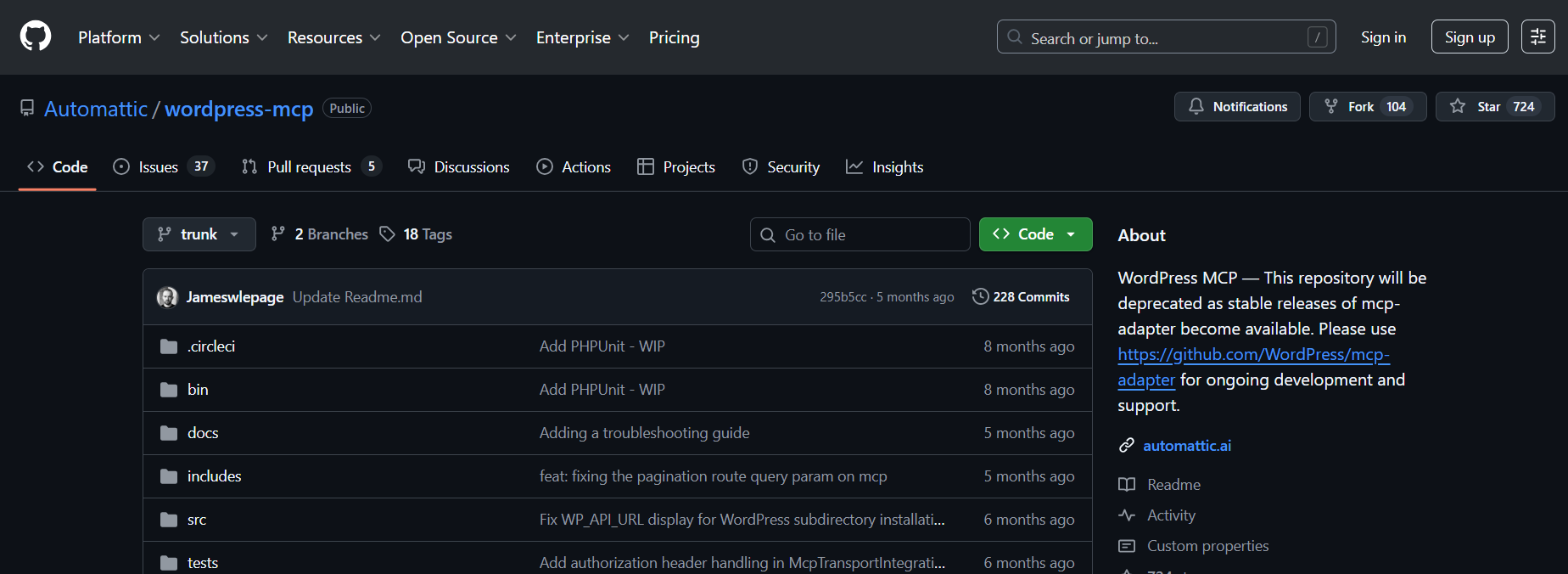
This separation provides maximum security isolation. The implementation supports OAuth 2.1, JWT, and Application Passwords, integrating with WordPress’s upcoming Abilities API for long-term core compatibility. If your organization requires spec-compliant, Automattic-backed infrastructure, this is the definitive choice.
Technical Specifications
Setup Time: 15-30 minutes
Hosting Model: Self-hosted (local proxy + WordPress plugin)
Authentication: OAuth 2.1, JWT, Application Passwords
Tool Coverage: Extensible via PHP hooks and Abilities API
Best For
- Enterprise deployments requiring maximum security compliance
- Organizations with existing Automattic/WordPress.com infrastructure
- Teams wanting alignment with WordPress core development direction
- Developers with DevOps resources for initial configuration
Why Use It
When security and long-term WordPress core alignment matter most, Automattic’s official MCP WordPress server is the safest bet. Enterprise authentication, spec compliance, and active maintenance from core contributors provide unmatched reliability.
Repository: github.com/Automattic/wordpress-mcp
3. InstaWP MCP-WP
Separate from their managed platform, InstaWP maintains an open-source WordPress MCP server that developers can self-host anywhere. Launch instantly via npx -y @instawp/mcp-wp—no cloning or global installations required.
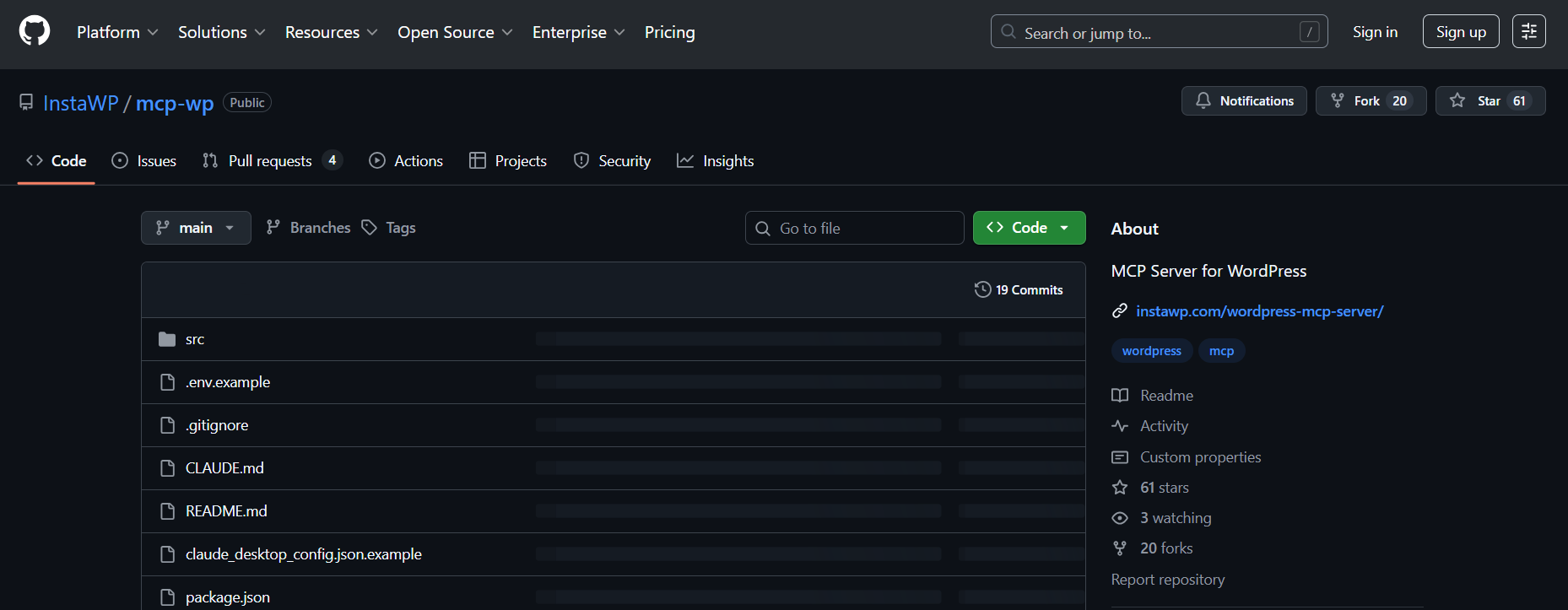
The server uses unified tool architecture: instead of separate tools for posts, pages, and custom post types, intelligent tools like list_content and create_content work across all content types.
With 38+ pre-built tools covering content, taxonomies, media, users, comments, plugins, and themes, it offers more out-of-the-box coverage than most MCP server WordPress alternatives.
Technical Specifications
Setup Time: 5-10 minutes
Hosting Model: Self-hosted (Node.js process)
Authentication: Application Passwords via environment variables
Tool Coverage: 38+ unified tools (content, taxonomies, media, users, plugins, themes)
Best For
- Developers wanting InstaWP’s tool design without managed hosting
- Self-hosted WordPress installations requiring local MCP
- Teams needing to customize or extend MCP tools
- Local development and staging environments
Why Use It
Get InstaWP’s thoughtfully designed MCP for WordPress implementation on your own infrastructure. One-line launch, unified tool architecture, and TypeScript codebase make it ideal for developers who want quality without lock-in.
Repository: github.com/InstaWP/mcp-wp
4. docdyhr/mcp-wordpress
The docdyhr WordPress MCP server takes a maximalist approach with approximately 59 pre-built tools—one of the most comprehensive WordPress MCP server implementations available. If WordPress exposes functionality via REST API, this server likely supports it.
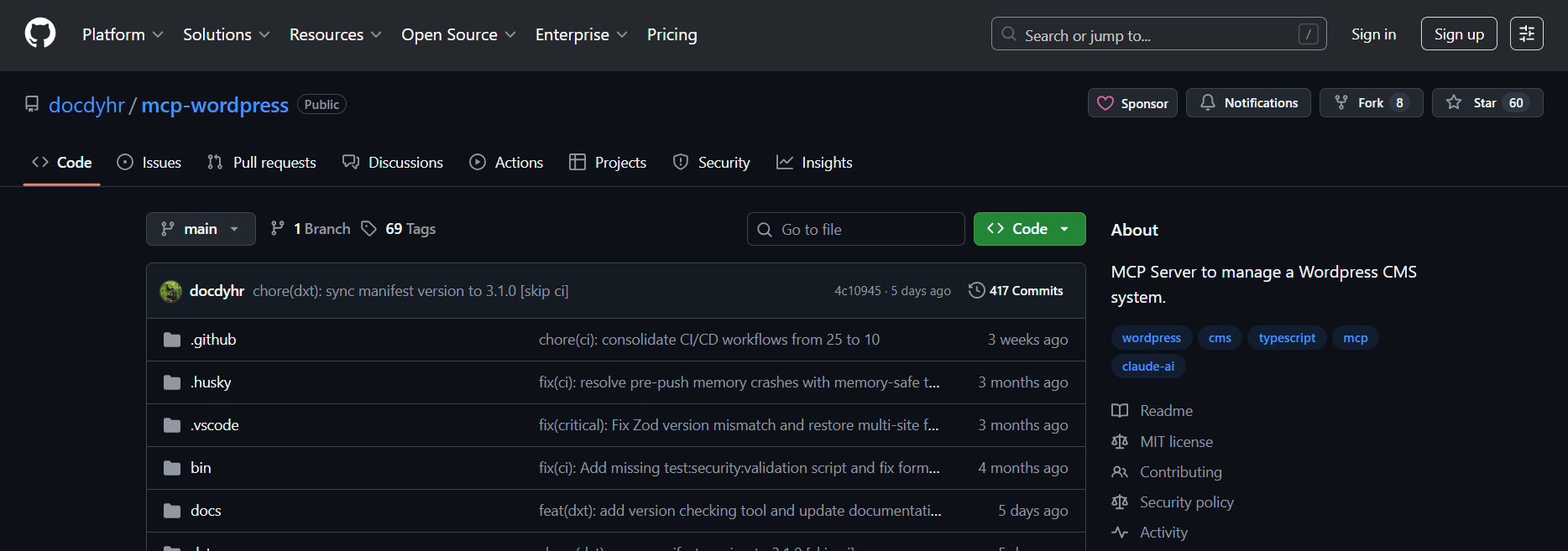
Multiple installation methods (npm, DXT extension, Docker) accommodate different deployment preferences.
Extensive documentation with examples for every tool makes it particularly accessible for developers learning MCP WordPress patterns. The DXT extension option simplifies installation for users unfamiliar with Node.js environments.
Technical Specifications
Setup Time: 10-15 minutes
Hosting Model: Self-hosted (Node.js or Docker container)
Authentication: Application Passwords
Tool Coverage: ~59 tools (comprehensive REST API coverage)
Best For
- Developers wanting maximum WordPress REST API coverage
- Teams preferring Docker-based deployment workflows
- Users who value extensive, example-rich documentation
- Projects requiring access to obscure WordPress endpoints
Why Use It
When you need comprehensive REST API coverage and don’t want to build custom tools, docdyhr’s 59-tool library has you covered. Multiple installation methods and thorough documentation lower the barrier for WordPress MCP adoption.
Repository: github.com/docdyhr/mcp-wordpress
5. mcp-wp/ai-comm
The mcp-wp/ai-command takes a fundamentally different approach; instead of building another standalone server, it extends WP-CLI with MCP capabilities. For developers already using WP-CLI in their workflows, this MCP for WordPress solution feels native.
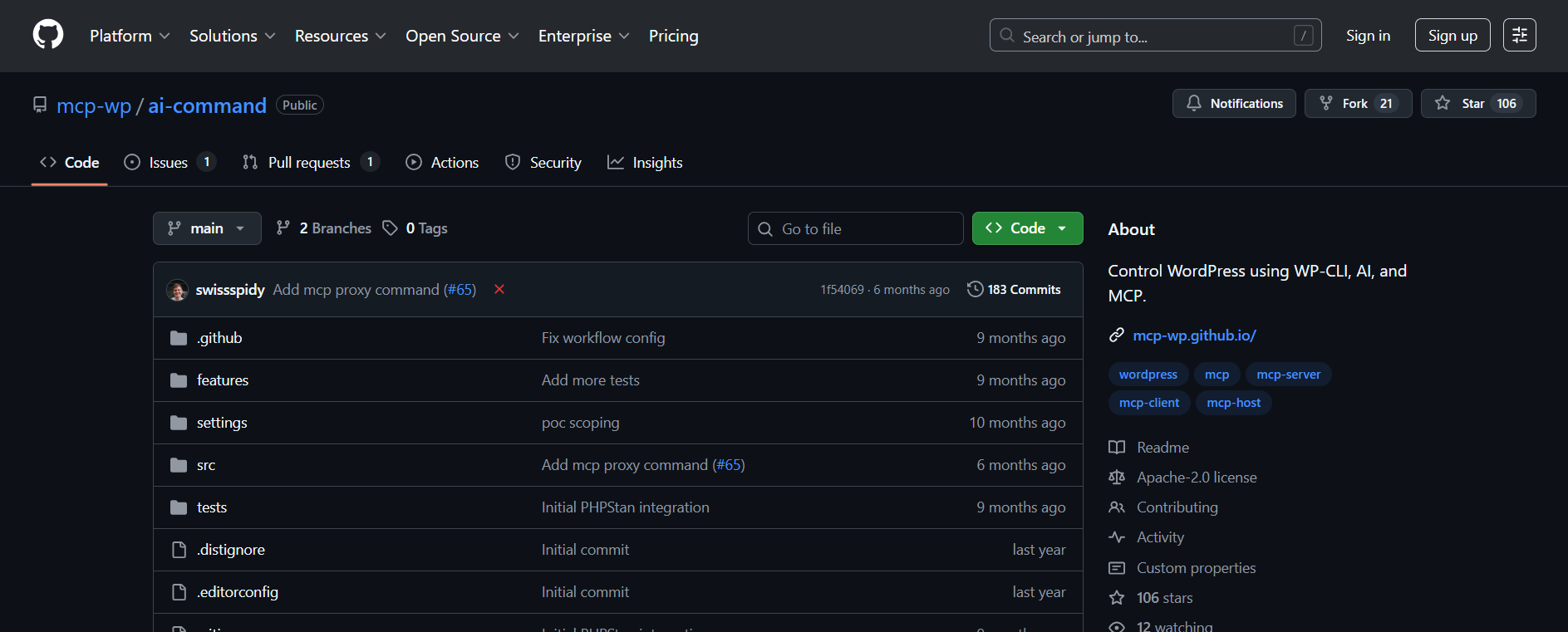
Execute WordPress operations through AI while leveraging WP-CLI’s battle-tested command structure. The integration means you get MCP’s conversational interface combined with WP-CLI’s comprehensive WordPress control, posts, users, plugins, themes, database operations, and everything else WP-CLI supports.
For agencies with existing WP-CLI automation scripts, this WordPress MCP server bridges AI capabilities into established workflows without replacing them.
Technical Specifications
Setup Time: 10-15 minutes
Hosting Model: Self-hosted (WP-CLI extension)
Authentication: WP-CLI authentication (SSH, local, or remote)
Tool Coverage: Full WP-CLI command coverage (100+ commands across all WordPress operations)
Best For
- Developers with existing WP-CLI workflows and scripts
- Teams comfortable with command-line WordPress management
- Server administrators managing WordPress at the infrastructure level
- Agencies wanting AI capabilities without abandoning WP-CLI expertise
Why Use It
Why learn a new tool when you can enhance one you already know? This WordPress MCP implementation brings AI to WP-CLI; leverage your existing command-line expertise while adding conversational control to established workflows.
Repository: github.com/mcp-wp/ai-command
6. WordPress-MCP
The WordPress MCP by a developer, Utsav, server differentiates itself through block-native content generation. Unlike servers treating posts as simple text fields, this implementation understands WordPress block editor (Gutenberg) schemas. AI-generated content arrives as properly structured blocks, headings, paragraphs, lists, images, not raw HTML or plain text.
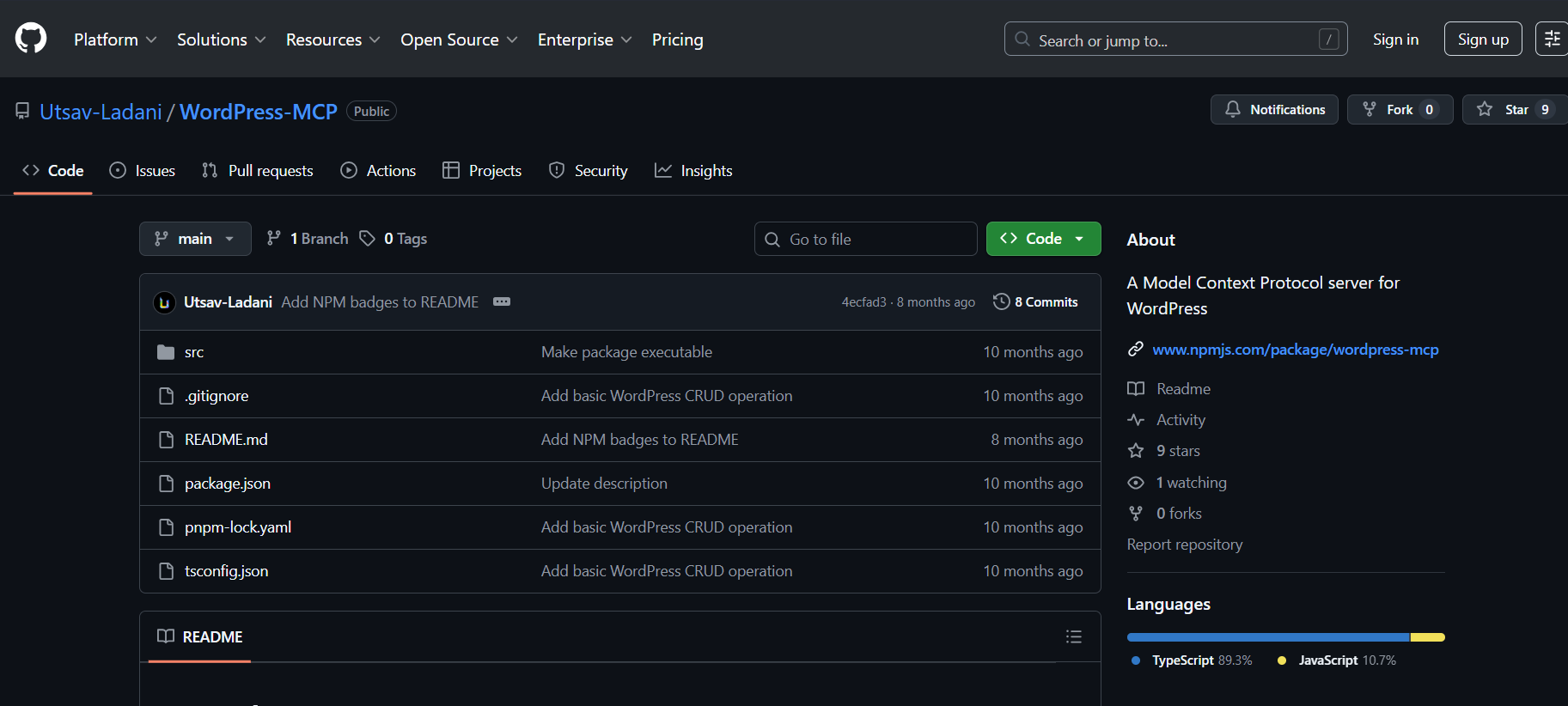
Launch via npx -y wordpress-mcp without installation. For content-heavy sites where block structure matters, this MCP WordPress plugin alternative delivers publication-ready formatting directly from AI prompts.
Technical Specifications
Setup Time: 5-10 minutes
Hosting Model: Self-hosted (Node.js via npx)
Authentication: Application Passwords
Tool Coverage: 15+ tools (block-focused content creation and management)
Best For
- Content-heavy WordPress sites using Gutenberg editor
- AI-powered blogging and content marketing tools
- Agencies producing structured, formatted content at scale
- Developers building content pipelines requiring block formatting
Why Use It
If your WordPress workflow depends on properly structured Gutenberg blocks, this WordPress MCP server delivers. AI-generated content arrives block-formatted and publication-ready; no manual restructuring required.
Repository: github.com/Utsav-Ladani/WordPress-MCP
7. prathammanocha/wordpress-mcp-server
This comprehensive WordPress MCP server targets full-scale admin workflows, extending beyond basic content management. Its standout feature is the custom_request tool, enabling arbitrary REST API calls, chaining multiple operations, accessing custom endpoints, and building advanced automation sequences impossible with fixed tool sets.
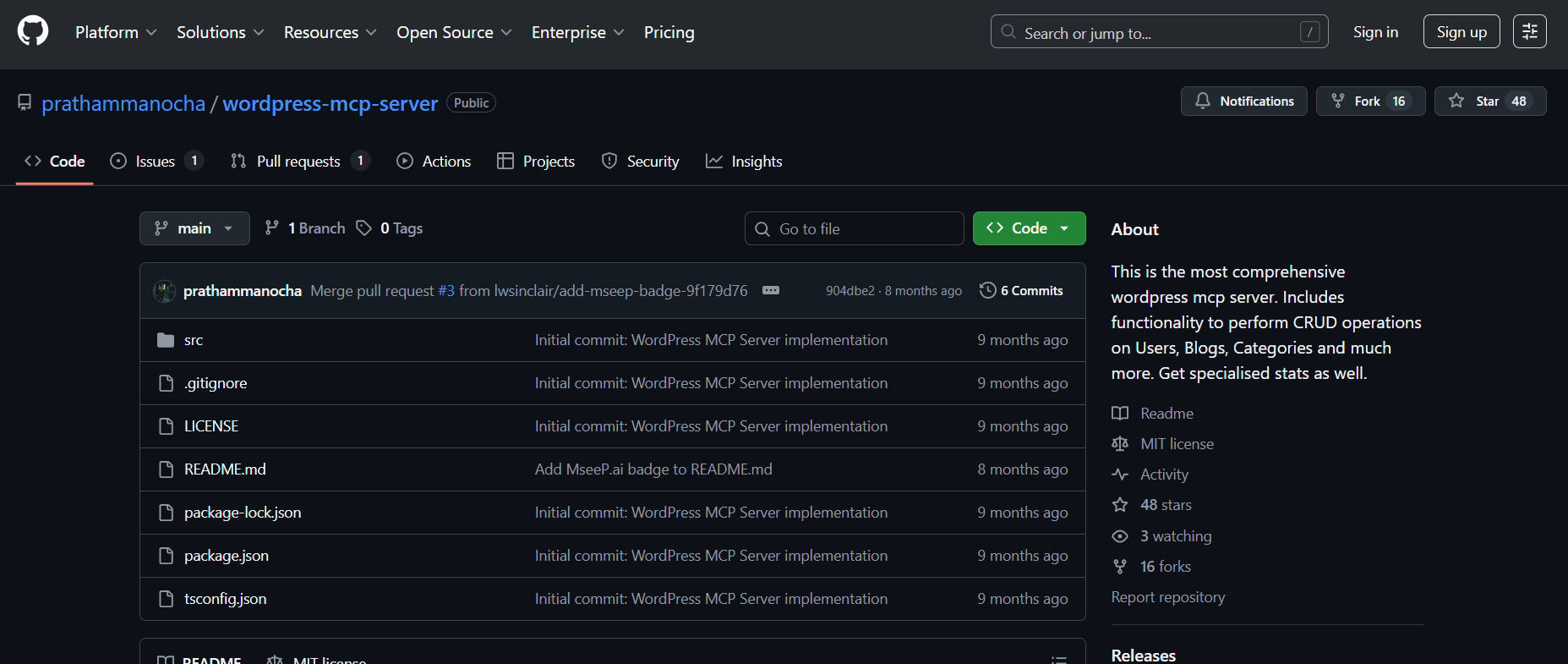
The server supports both development and production use cases with automatic recompilation during development (npm run dev). For developers comfortable with WordPress internals who need flexibility beyond pre-defined tools, this MCP server WordPress implementation provides escape hatches.
Technical Specifications
Setup Time: 10-15 minutes
Hosting Model: Self-hosted (Node.js with dev/production modes)
Authentication: Application Passwords
Tool Coverage: 30+ tools + custom_request for arbitrary REST API calls
Best For
- Developers building complex, multi-step automation sequences
- Teams requiring arbitrary REST API access through MCP
- Advanced users are comfortable with WordPress REST API internals
- Projects integrating custom plugin endpoints
Why Use It
Pre-defined tools can’t cover every use case. The custom_request tool lets you call any WordPress REST endpoint through MCP, making this WordPress MCP implementation the most flexible for advanced workflows.
Repository: github.com/prathammanocha/wordpress-mcp-server
8. emzimmer/server-wp-mcp
The emzimmer WordPress MCP server is architected specifically for multi-site management. Configure all your WordPress sites in a single JSON file with aliases, then address them naturally in prompts: “List posts on client-alpha” or “Create a page on staging-beta.”
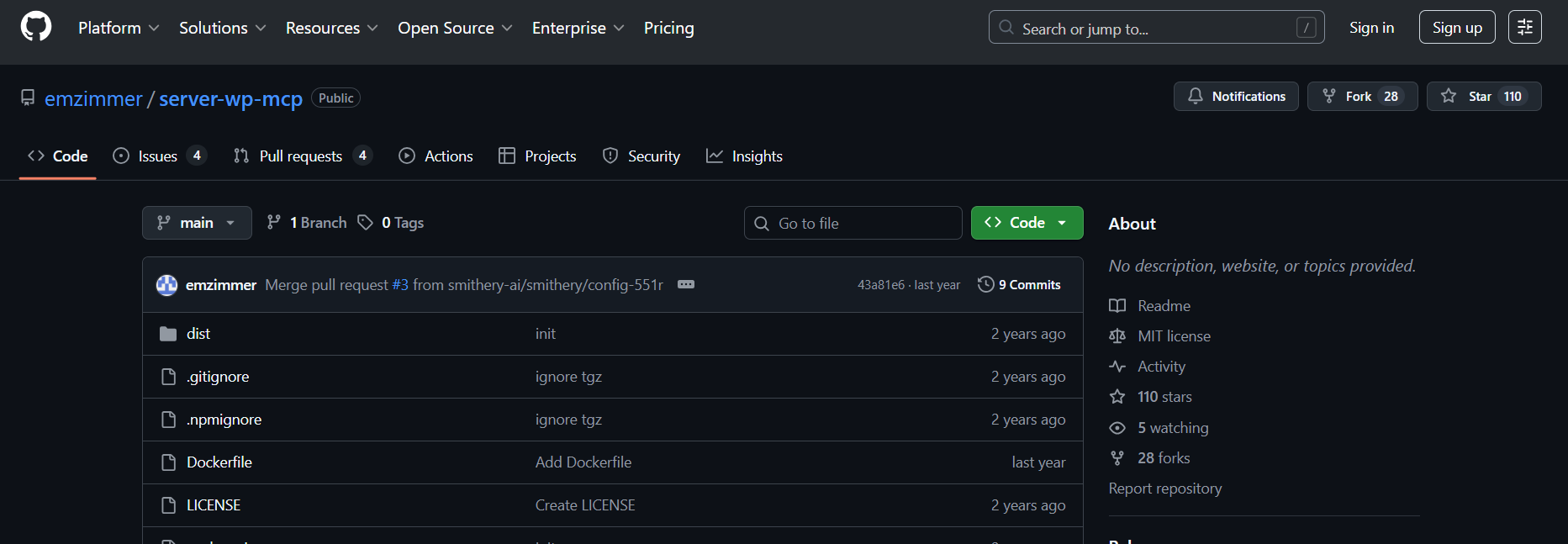
Dynamic endpoint discovery automatically maps available WordPress REST API endpoints for each connected site. For agencies juggling dozens of client installations, this MCP for WordPress approach centralizes control without requiring separate MCP configurations per site.
Technical Specifications
Setup Time: 10-15 minutes
Hosting Model: Self-hosted (Node.js with JSON config)
Authentication: Application Passwords per site (stored in config file)
Tool Coverage: 20+ tools with automatic per-site endpoint discovery
Best For
- Agencies managing multiple client WordPress sites
- Developers with many WordPress installations to control
- Teams wanting centralized multi-site MCP management
- Projects requiring cross-site operations and audits
Why Use It
Managing ten sites shouldn’t require ten MCP configurations. This WordPress MCP server centralizes multi-site control with alias-based addressing—one server, unlimited sites, natural language targeting.
Repository: github.com/emzimmer/server-wp-mcp
9. wp-elementor-mcp
The wp-elementor-mcp is a modular Model Context Protocol (MCP) server specifically engineered for WordPress and Elementor.
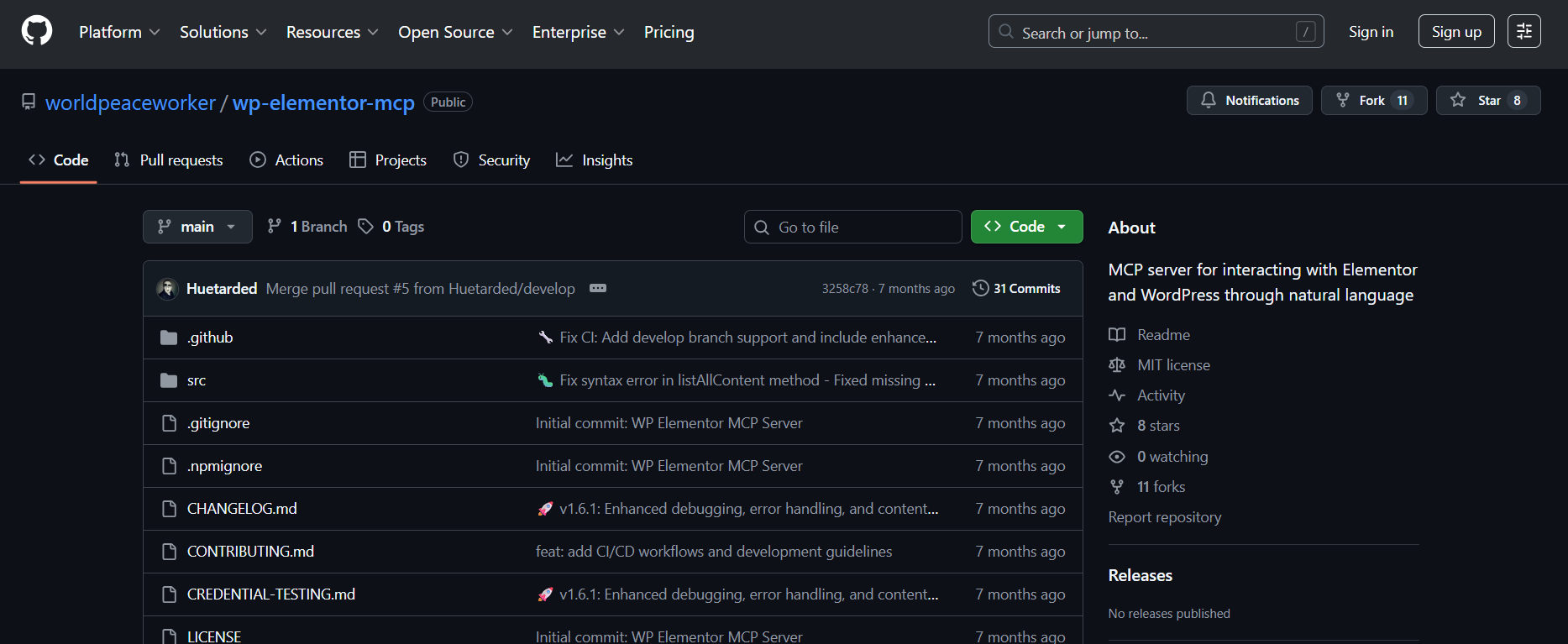
Unlike general WordPress tools, this WordPress MCP server specializes in deep integration with the Elementor page builder, allowing AI assistants to manipulate sections, containers, and widgets directly.
It uses an intelligent configuration system to scale from 20 to 34 specialized tools based on the user’s technical requirements and license level.
Technical Specifications
Setup Time: 5-10 minutes
Hosting Model: Self-Hosted / Local Bridge
Authentication: WordPress Application Passwords
Tool Coverage: 30+ tools
Best For
- Users who need to create or modify complex Elementor layouts via natural language.
- Teams looking for “Content Discovery” tools with visual Elementor status indicators.
- Developers requiring granular control over Elementor data chunks and incremental widget updates.
- Professionals managing high-performance sites who need specific tools for cache clearing and element reordering.
Why Use It
It doesn’t just edit text; it can create sections, columns, and flexbox containers from scratch. Users can choose between Essential, Standard, Advanced, or Full modes to avoid “tool bloat” in their AI interface.
10. stefans71/wordpress-mcp-server
The stefans71 WordPress MCP server provides a straightforward, no-frills implementation ideal for learning MCP patterns or lightweight deployments. It focuses on core content operations without the feature sprawl of larger implementations.
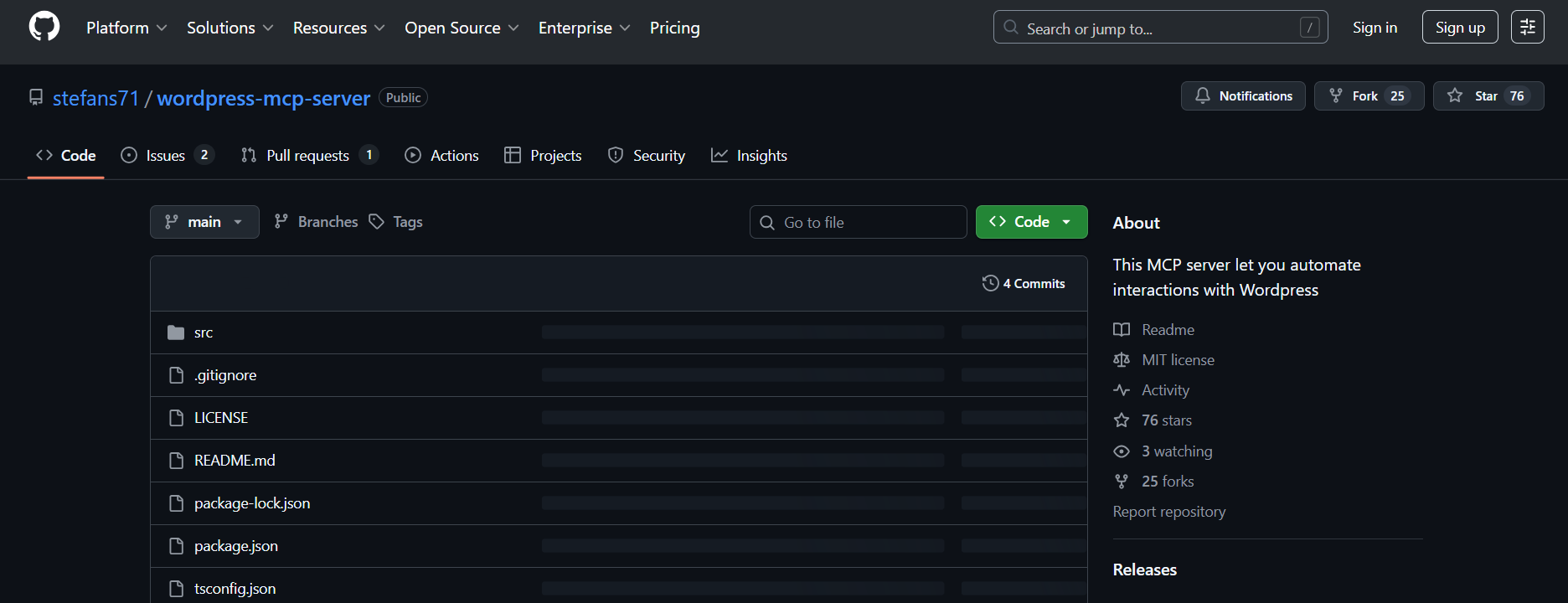
The clean, readable codebase makes it an excellent starting point for developers who want to understand WordPress MCP internals before committing to more complex solutions. Basic CRUD operations for posts work reliably out of the box, with clear extension points for adding custom functionality.
Technical Specifications
Setup Time: 5-10 minutes
Hosting Model: Self-hosted (lightweight Node.js process)
Authentication: Application Passwords
Tool Coverage: 10+ tools (core content CRUD operations)
Best For
- Developers learning MCP patterns and WordPress integration
- Lightweight deployments needing basic content operations
- Teams wanting a simple foundation to customize
- Hobbyists and learners exploring AI-WordPress connections
Why Use It
Sometimes simpler is better. This WordPress MCP implementation provides a clean, understandable codebase, perfect for learning MCP internals or deploying lightweight content automation without enterprise complexity.
Repository: github.com/stefans71/wordpress-mcp-server
Choosing the Right WordPress MCP Server
- For fastest time-to-value: InstaWP’s managed solution eliminates all setup friction.
- For enterprise security: Automattic’s official implementation with OAuth 2.1.
Final Say
The WordPress MCP ecosystem continues evolving rapidly. Whatever your requirements, managed simplicity, enterprise security, e-commerce specialization, or maximum flexibility, there’s a WordPress MCP server built for your workflow.
Ready to start?
Start building WordPress with InstaWP today.
It offers the fastest path from zero to productive WordPress MCP integration, one click to enable, and under two minutes to your first AI-executed WordPress operation.